Stay connected and informed with our electronics services
Electronics
ELECTRONICS INFORMATION & SUPPORT
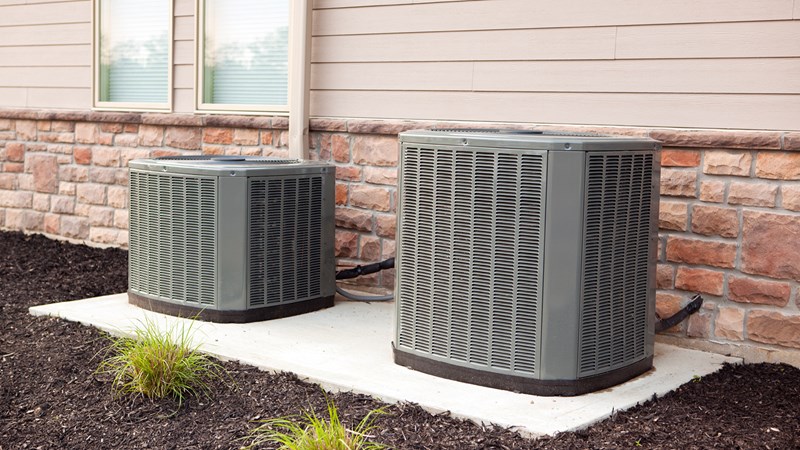
Air Conditioning
The house has 2 zones of air conditioning. The controllers are located on the landings by the steps of each level. They are set to keep the house cool, please do not touch. One zone controls the 1st floor (Kitchen, Master bedroom and Livingroom) the other controls the 2nd and 3rd floor (Bedrooms and Den)
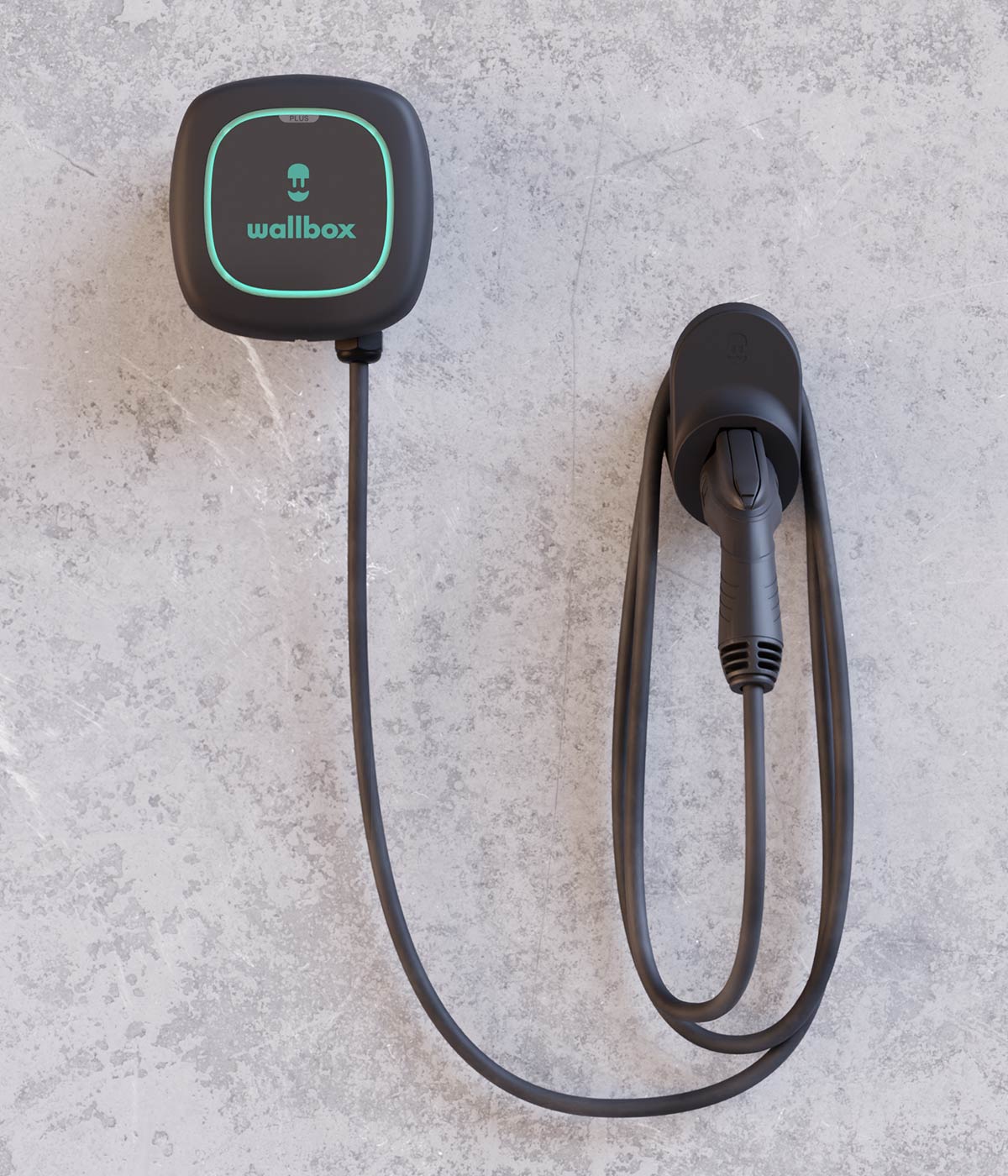
EV Charging
On the left side of the garage is a 220V EV charger. You may plug you EV into in and it will automatically charge your EV between 11pm and 6am during the week and all day on the weekends.
Internet
The network name is: SearenityNow
The password is: givemewireless
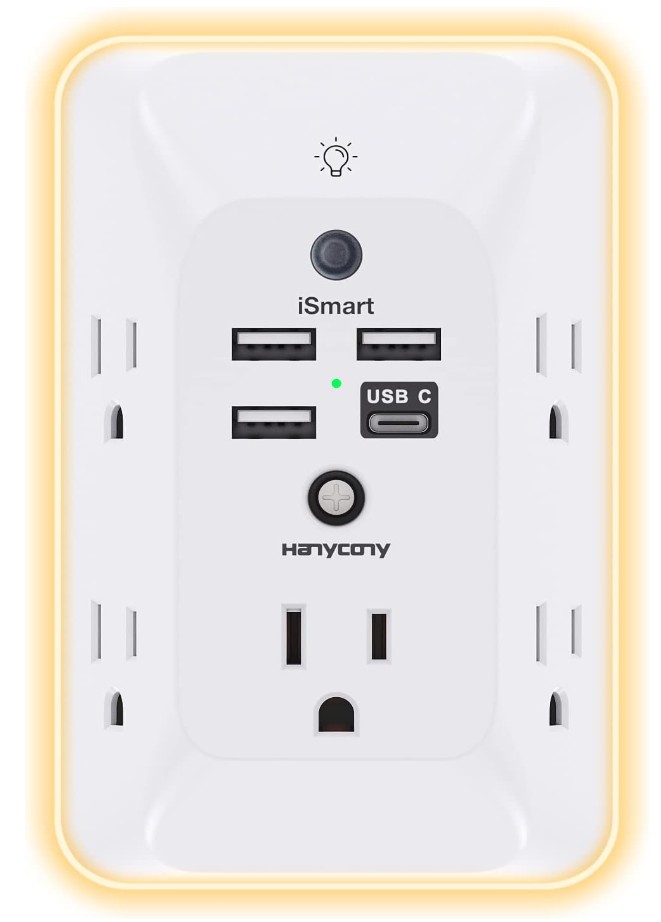
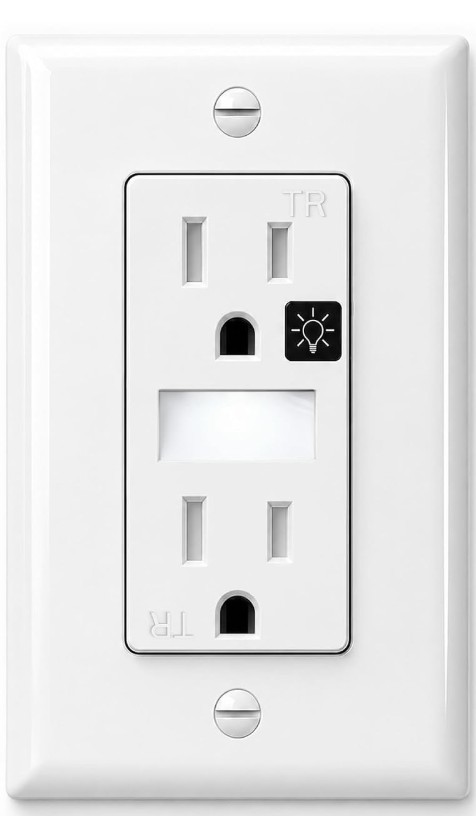
Outlets
USB Ports
- The outlets nearest to the beds have adapters with both USB plugs and regular 110 outlets built in.
- There is also a white QI charger with UV disinfection light (button on the side).
- If your phone is QI compatible simply place it on the circle and it will start to charge.
Night Lights
- Inside the bedrooms, by the door there is an outlet with built in night lights.
- There are also scattered nightlights in the common areas for your safety so you can see where you are walking at night without putting on the main lights.
- If any of these are distracting for you, they can be turned on or off by simply tapping the black light button on the outlet.
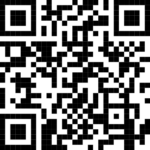
Scan this code for a video how to turn on and off night lights
TV
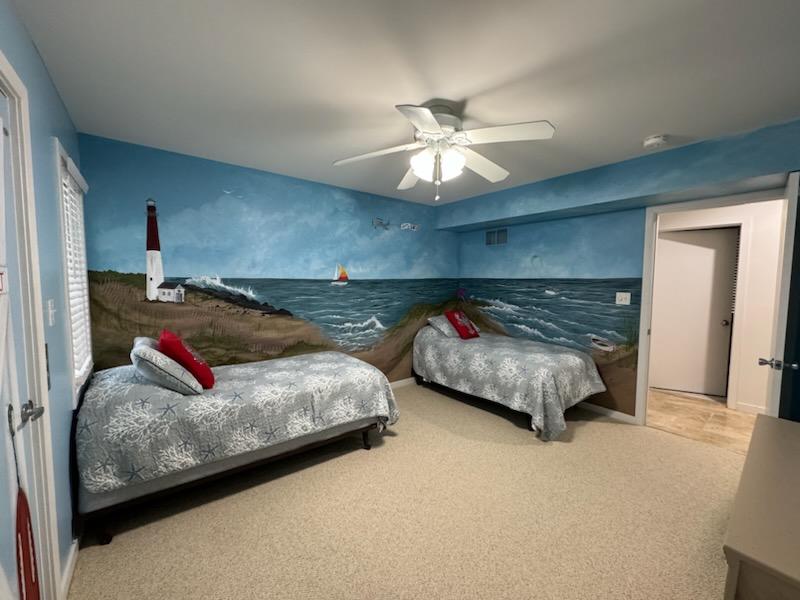
Bedrooms:
- The TVs are all smart tv’s with streaming internet access. You can set up your personal accounts to use services like Netflix, Hulu, Disney, etc. or under the menu watch “free streaming tv”
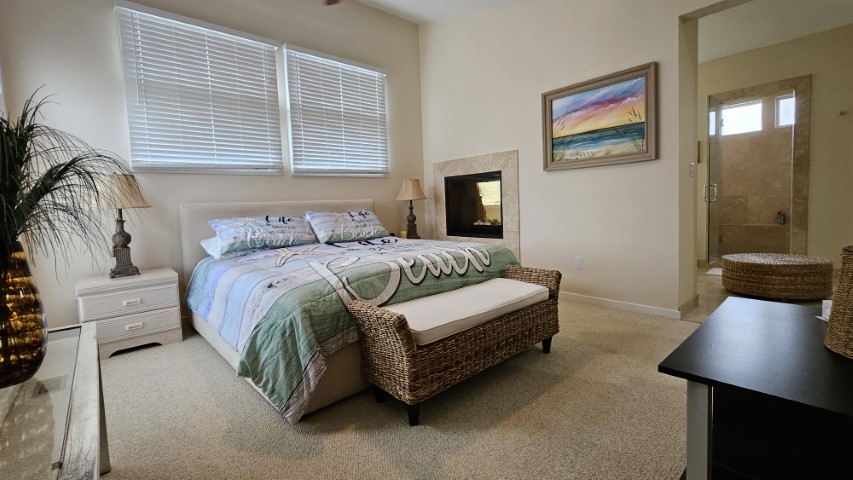
Master bedroom
- You can listen to the TV via Bluetooth by just turning on the controller under the TV
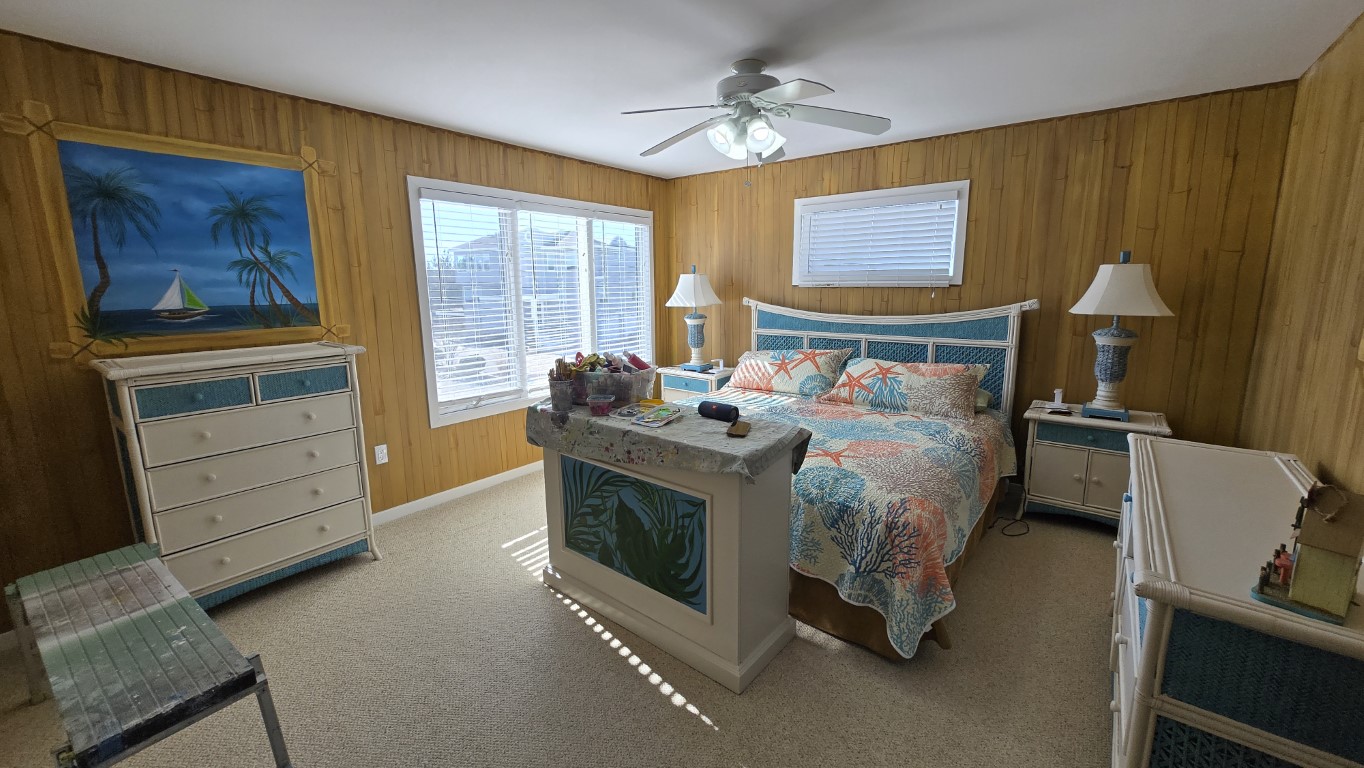
King bedroom with pop up tv
- You will find a separate remote with up and down arrows
- Press up arrow to raise tv and down arrow to lower tv
Living room:
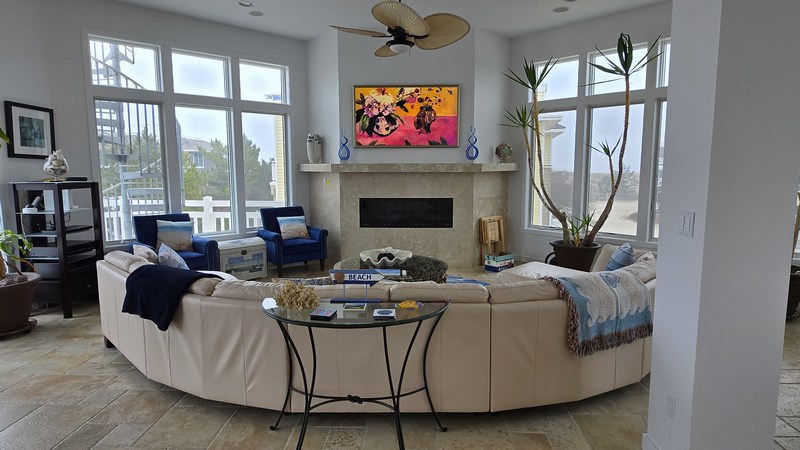
To Watch a streaming service:
- You can directly access any streaming service from the remote’s buttons.
- If the one you want is not there
- Hit the home key
- Then the left side of the circle
- A menu will open on the left side of the screen
- Hit down 2x to media then enter (center of circle)
- Then you can select any streaming service you have
To turn on surround sound via Bluetooth:
- Turn on the Onkyo receiver
- Make sure it is set to VCR/DVD
- Turn on the Bluetooth receiver by pressing the button on the front right
- It is on the cabinet to the left of the tv (it is the on the 2nd self with an antenna sticking up)
- You will know it is on because the blue ring on it will light
- Once it is “live” the TV will ask if you want to connect to the “B06 Pro”
- Press the center of the TV remote to connect
- If that fails just unplug the Bluetooth unit power, in the back, and plug back in and the TV will ask you if you want to connect to it.